IELTS Writing · Features 02/10
Task 1 graph and chart samples
20 IELTS Academic Writing Task 1 samples — bar charts, line graphs, pie charts, tables, maps and processes — with trend words and figures highlighted and the chart viewable full screen.
 iPhone version coming soon
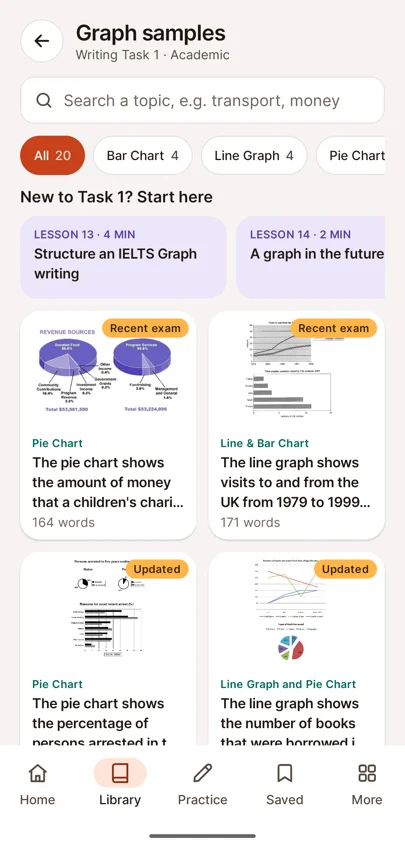
- List of graph samples filtered by chart type
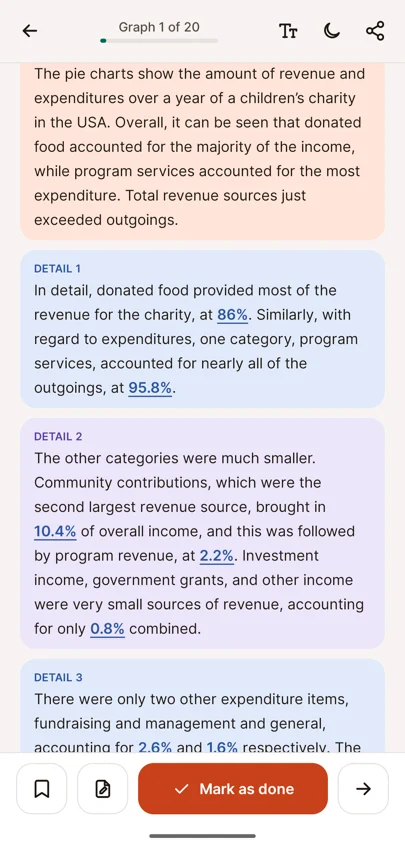
- Graph report with trend words and figures highlighted
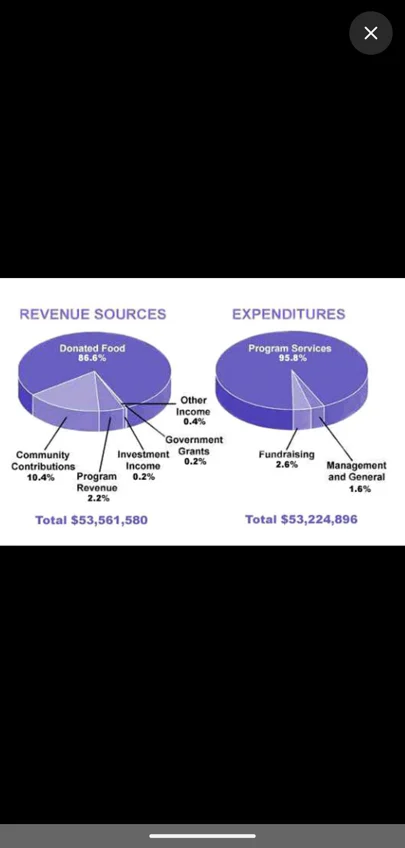
- Pie charts opened full screen
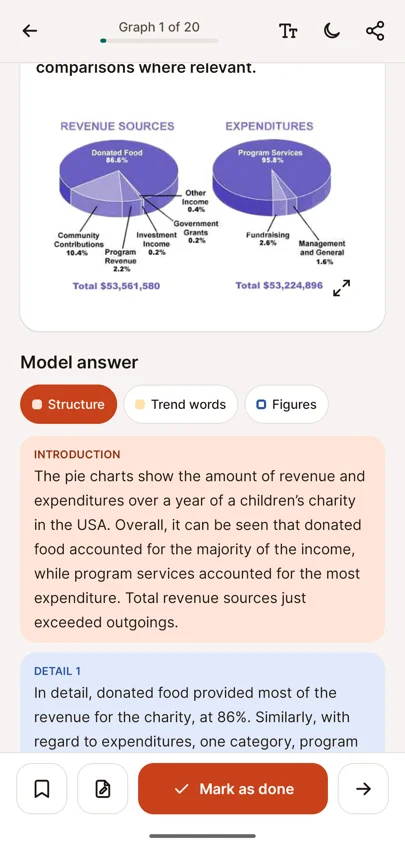
- Chart and highlight toggles inside a graph sample
Academic Task 1 asks you to describe visual data in at least 150 words. The graph samples show how to do it.
Each sample includes the task, the chart and a model report. Toggle Structure, Trend words and Figures to see how the report is built: an overview first, then details supported by the right numbers.
Tap the chart to open it full screen and compare it with the text line by line.
Samples cover bar charts, line graphs, pie charts, tables, maps, processes, flow charts and mixed charts. Filter by chart type, search by topic, and start with the short guides if Task 1 is new to you.
Questions about Task 1 graph and chart samples
Can I practise IELTS Academic Writing Task 1 graphs in the app?
Yes. There are 20 Task 1 samples: bar charts, line graphs, pie charts, tables, maps, processes, flow charts and mixed charts, each with a model report.
Can I see which words describe trends and figures?
Yes. Toggle Trend words and Figures to highlight them in the report, and Structure to see the overview and the detail paragraphs.
Can I open the chart full screen?
Yes. Tap the chart to view it full screen and compare it with the report line by line.